
Endpoint Administrator + Copilot Bootcamp (MD-102 & AB-900)
Earn two Microsoft 365 certifications in five days: Endpoint Administrator Associate (MD-102) and Copilot and Agent Administration Fundamentals (AB-900). Our bootcamp teaches you to deploy, manage and secure devices with Microsoft Intune and to administer Microsoft 365 Copilot and agents, and you sit both exams while you attend. Taught live by Microsoft Certified Trainers, in person or online, with both exam vouchers, a retake voucher per exam and 90 days of lab access included.
Training Overview
Endpoint Administrator + Copilot Bootcamp (MD-102 & AB-900)

Everything You Need To Succeed
Training Schedule and Cost
Course Description
MD-102 and AB-900 Bootcamp Overview
This MD-102 and AB-900 bootcamp is an accelerated, instructor led path to two Microsoft 365 certifications in one week: Microsoft 365 Certified: Endpoint Administrator Associate and Microsoft 365 Certified: Copilot and Agent Administration Fundamentals. Over five hands on days you learn to deploy, configure, secure and manage Windows, macOS, iOS and Android devices with Microsoft Intune, Windows Autopilot, Windows 365 and Microsoft Defender for Endpoint, and to administer Microsoft 365 Copilot and agents. You sit the MD-102 exam and the AB-900 exam while you attend.
Who This Course Is For
This Microsoft Intune and Copilot administration training is built for IT pros who deploy and manage devices and client apps in the enterprise: desktop and device administrators, modern workplace admins, and Microsoft 365 administrators preparing their organization for Copilot and agents. Endpoint administrators work alongside architects, Microsoft 365 administrators and security administrators, so the week covers identity, security, data governance, updates and apps as well as devices.
What You'll Learn in the MD-102 Training
The MD-102 course follows the five skill areas Microsoft measures on the exam:
- Prepare infrastructure for devices (20 to 25%): Microsoft Entra join and registration, device groups and dynamic membership, Intune enrollment for Windows, macOS, iOS, iPadOS and Android, Intune roles, scope tags and multi admin approval, compliance policies with Conditional Access, Windows Hello for Business and Windows LAPS.
- Manage and maintain devices (25 to 30%): Windows Autopilot deployment, Windows 11 upgrades, Windows 365 Cloud PCs, configuration profiles for every platform and specialty devices, Intune Suite features such as Endpoint Privilege Management, Remote Help and Cloud PKI, and remote actions including wipe, BitLocker key rotation and device queries.
- Protect devices (15 to 20%): antivirus, disk encryption, firewall and attack surface reduction policies, security baselines, Microsoft Defender for Endpoint onboarding and EDR, App Control for Business, and update management with update rings, Windows Autopatch and Hotpatch.
- Manage and secure applications (15 to 20%): deploying Win32, line of business, Store and Microsoft 365 Apps with Intune, Apple Business Manager and Managed Google Play, troubleshooting installs, and app protection and app configuration policies for managed and personal (BYOD) devices.
- Optimize endpoint operations by using automation, monitoring and reporting (10 to 15%): automating Intune with PowerShell and Microsoft Graph, working with Security Copilot agents in Intune, Intune reporting, Endpoint Analytics and remediation scripts, and alerts for compliance drift and enrollment failures.
What You'll Learn in the AB-900 Training
The AB-900 course follows the three skill areas Microsoft measures on the exam:
- Identify the core features and objects of Microsoft 365 services (30 to 35%): licensing, the Microsoft 365, Exchange, SharePoint and Teams admin centers, Zero Trust principles, authentication and authorization, Microsoft Entra ID, Conditional Access, single sign on, Privileged Identity Management and audit logs.
- Understand data protection and governance tasks for Microsoft 365 and Copilot (35 to 40%): Microsoft Purview sensitivity labels, data loss prevention, retention and Insider Risk Management, Data Security Posture Management for AI, how Copilot accesses data and respects permissions, and finding oversharing in SharePoint.
- Perform basic administrative tasks for Copilot and agents (25 to 30%): Copilot licensing and pay as you go billing, usage and adoption reporting, prompt management, creating agents, agent access and approval, and monitoring the agent lifecycle.
Prerequisites and Exam Format
There is no certification prerequisite for either exam. For MD-102, Microsoft expects experience with Microsoft Entra ID and Microsoft 365 technologies, and with deploying, configuring and maintaining Windows clients and other devices. You do not need prior Intune expertise to join the camp: the endpoint skills are taught from the ground up with instructor led labs throughout the week. The MD-102 exam runs 100 minutes and the AB-900 exam 45 minutes. Both require a score of 700 or higher to pass.
Price and What's Included
Our MD-102 and AB-900 bootcamp is $3,495 whether you attend live online or in the classroom in Sarasota, Florida. That price includes:
- Both exam vouchers (MD-102 and AB-900), with one retake voucher per exam if you need it.
- Two official Microsoft courses with Microsoft official hands on labs and practice exams.
- Onsite and online Pearson VUE testing, so both exams happen during the camp.
Our all inclusive classroom package adds airfare and lodging for $4,720. Choose your format and see upcoming dates in the schedule above.
Why Choose This Microsoft 365 Certification Camp
Skip months of self study and get certified fast. This all inclusive MD-102 and AB-900 certification camp is led by Microsoft Certified Trainers using official Microsoft courseware, with real hands on labs every day, and your exams are administered while you attend.
- Five day combo format: earn two Microsoft 365 certifications in a single week.
- 95% first attempt pass rate, with a retake voucher per exam if you do not pass.
- Two Microsoft exam vouchers and two official Microsoft courses included.
- Hands on labs, practice exams and 90 days of extended lab access after the camp.
- Taught by Microsoft Certified Trainers, live online or in person in Sarasota, Florida.
Only need MD-102? Our five day MD-102 bootcamp covers the Endpoint Administrator exam on its own.
MD-102 and AB-900 Bootcamp FAQ
Is there a Microsoft Intune certification?
Yes. MD-102 is Microsoft's Intune focused exam, and passing it earns Microsoft 365 Certified: Endpoint Administrator Associate. Almost every skill it measures, from enrollment and compliance to apps and updates, is performed in Microsoft Intune.
Is there a Microsoft Copilot certification?
Yes. AB-900 earns Microsoft 365 Certified: Copilot and Agent Administration Fundamentals, which covers administering Microsoft 365 Copilot and agents at the fundamentals level.
Why combine MD-102 and AB-900?
AB-900 covers the Microsoft 365 services, security and data governance that endpoint administrators work with every day, and adds the Copilot and agent administration that organizations now expect from their Microsoft 365 team. Taking both in one week gives you an associate certification and a Copilot certification for one price.
What score do you need to pass MD-102 and AB-900?
You need 700 or higher on each exam. MD-102 runs 100 minutes and AB-900 runs 45 minutes.
How much does the MD-102 and AB-900 bootcamp cost?
Our MD-102 and AB-900 bootcamp is $3,495 live online or in the classroom in Sarasota. That includes the MD-102 and AB-900 exam vouchers, a retake voucher per exam if needed, two official Microsoft courses, labs and practice exams. The all inclusive classroom package with airfare and lodging is $4,720.
Do these certifications expire?
Microsoft 365 Certified: Endpoint Administrator Associate is valid for 12 months, and you can renew it each year at no cost by passing an online renewal assessment on Microsoft Learn. The AB-900 fundamentals certification does not expire.

Microsoft Solutions Partner
As an authorized Microsoft Solutions Partner, we deliver Microsoft Official Courseware (MOC) taught by Microsoft Certified Trainers (MCTs). Our curriculum, labs and exam delivery meet Microsoft's highest standards for accredited training.
See What You'll Learn
Watch a short overview of the MD-102 & AB-900 course — what's covered, who it's for, and what you'll walk away certified to do. Or download the full syllabus as a PDF.
The Certification Camps Difference
How Does the Certification Camps Boot Camps Work?
Start your learning immediately with access to content as soon as your registration is processed.
 Step 01
Before the Boot Camp
Start learning now. Once your registration is processed, you'll receive access to materials. Prepare for your live boot camp and identify knowledge gaps to maximize your experience.
 Step 02
During the Boot Camp
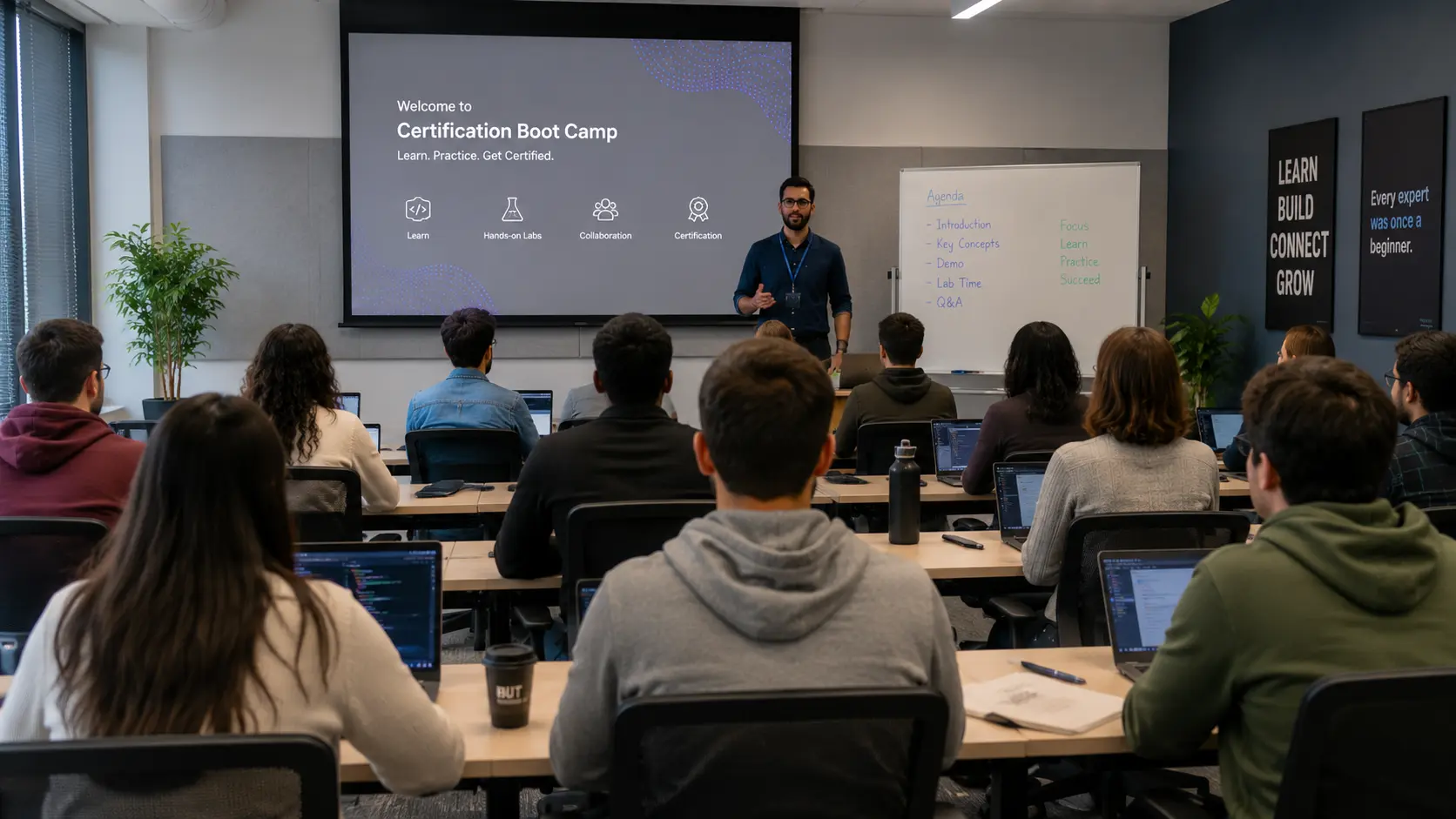
Attend instructor-led live training at our facility in Florida or online — same class, same instructor, same interaction. Engage in presentations, labs and demos, then take the certification exam(s) while attending.
 Step 03
After the Boot Camp
Continue to access your student lab environment for 90 days after your camp is over. Need to defer your exams or re-sit the training? You have up to 6 months after the camp is complete.
Trusted by 15,000+ IT Professionals
★★★★★ 4.9 · Based on 2,300+ verified reviews
Common Questions
Related Microsoft 365 Bootcamps
Build a complete career path. Many students combine certifications for deeper expertise. Ask us about combo pricing.
Seats are filling fast.
Lock in your spot today.
Join 15,000+ professionals and register for the MD-102 & AB-900 boot camp today.