
AZ-400T05: Implementing Application Infrastructure
Training Schedule and Pricing
Our training model blends knowledge and certification prep into one solution. Interact face-to-face with vendor certified trainers AT OUR TRAINING CENTER IN SARASOTA, FL - OR - attend the same instructor-led live camp ONLINE.
-
May132024Delivery Format:Date:05.13.2024 - 05.17.2024Location:Price Includes:6 days
-
Jun102024Delivery Format:Date:06.10.2024 - 06.14.2024Location:Price Includes:6 days
-
Jul152024Delivery Format:Date:07.15.2024 - 07.19.2024Location:Price Includes:6 days
No related bootcamps found.

Exams Included & Administered During Camp:
AZ-400: Microsoft Azure DevOps Solutions

What's Included
 Airfare To/From Sarasota or Tampa
- 1 Microsoft Test Vouchers
 1 Microsoft Official Courses
- 6 Nights of Lodging
- 1 Retake Voucher (if needed)
- Microsoft Study Labs & Simulations
 Ground Transportation
 Onsite Pearson Vue Test Center
- Instructor Led Classroom Training
 Airfare To/From Sarasota or Tampa
 1 Microsoft Test Vouchers
 1 Microsoft Official Courses
 6 Nights of Lodging
 1 Retake Voucher (if needed)
 Microsoft Study Labs & Simulations
 Ground Transportation
 Onsite Pearson Vue Test Center
 Instructor Led Classroom Training
This camp is offered as part of the MCE Microsoft Azure DevOps boot camp.
Please note - the course titles and outlines are based on preliminary information from Microsoft - Titles, content, requirements are subject to change. Additionally - Microsoft requires students to have achieved an MCA Azure certification to earn the MCE. We have combo boot camps which include both the MCA and this MCE.
The NEW Microsoft Certified Expert - Azure DevOps Training & Certification 6 Day Boot Camp focuses on actual job task for designing and building cloud solutions for applications and services.
The Microsoft Certified Azure DevOps boot camp is taught using Microsoft Official Courseware -
AZ-400T01: Implementing DevOps Development Processes
AZ-400T02: Implementing Continuous Integration
AZ-400T03: Implementing Continuous Delivery
AZ-400T04: Implementing Dependency Management
AZ-400T05: Implementing Application Infrastructure
AZ-400T06: Implementing Continuous Feedback
AZ-400T07: Developing a DevOps Strategy
While attending this 6 day camp - students will take one exam (AZ-400) to achieve the Microsoft Certified Expert Azure DevOps Engineer certification. This hands on, instructor led live camp teaches the knowledge to develop / deploy applications in an Azure environment along with the knowledge needed for the certification exams (administered while attending camp).
Topics covered in this official boot camp:
Describe the benefits of using source control
Migrate from TFVC to Git
Scale Git for Enterprise DevOps
Implement and manage build infrastructure
Manage application config & secrets
Implement a mobile DevOps strategy
Explain why continuous integration matters
Implement continuous integration using Azure DevOps
Configure builds and the options available
Create an automated build workflow
Integrate other build tooling with Azure DevOps
Create hybrid build processes
Describe what is meant by code quality and how it is measured
Detect code smells
Integrate automated tests for code quality
Report on code coverage during testing
Add tooling to measure technical debt
Detect open source and other licensing issues
Implement a container build strategy
Differentiate between a release and a deployment
Define the components of a release pipeline
Explain things to consider when designing your release strategy
Classify a release versus a release process, and outline how to control the quality of both
Describe the principle of release gates and how to deal with release notes and documentation
Explain deployment patterns, both in the traditional sense and in the modern sense
Choose a release management tool
Explain the terminology used in Azure DevOps and other Release Management Tooling
Describe what a Build and Release task is, what it can do, and some available deployment tasks
Classify an Agent, Agent Queue and Agent Pool
Explain why you sometimes need multiple release jobs in one release pipeline
Differentiate between multi-agent and multi-configuration release job
Use release variables and stage variables in your release pipeline
Deploy to an environment securely, using a service connection
Embed testing in the pipeline
List the different ways to inspect the health of your pipeline and release by using, alerts, service hooks and reports
Create a release gate
Describe deployment patterns
Implement Blue Green Deployment
Implement Canary Release
Implement Progressive Exposure Deployment
Design a release strategy
Set up a release management workflow
Implement an appropriate deployment pattern
Recommend artifact management tools and practices
Abstract common packages to enable sharing and reuse
Inspect codebase to identify code dependencies that can be converted to packages
Identify and recommend standardized package types and versions across the solution
Refactor existing build pipelines to implement version strategy that publishes packages
Manage security and compliance
Inspect open source software packages for security and license compliance to align with corporate standards
Configure build pipeline to access package security and license rating
Configure secure access to package feeds
Design an infrastructure and configuration management strategy
Implement Infrastructure as Code
Manage Azure Kubernetes Service infrastructure
Implement infrastructure compliance and security
Apply infrastructure and configuration as code principles
Deploy and manage infrastructure using Microsoft automation technologies such as ARM templates, PowerShell, and Azure CLI
Describe deployment models and services that are available with Azure
Deploy and configure a Managed Kubernetes cluster
Deploy and configure infrastructure using 3rd party tools and services with Azure, such as Chef, Puppet, Ansible, SaltStack, and Terraform
Define an infrastructure and configuration strategy and appropriate toolset for a release pipeline and application infrastructure
Implement compliance and security in your application infrastructure
Design practices to measure end-user satisfaction
Design processes to capture and analyze user feedback from external sources
Design routing for client application crash report data
Recommend monitoring tools and technologies
Recommend system and feature usage tracking tools
Configure crash report integration for client applications
Develop monitoring and status dashboards
Implement routing for client application crash report data
Implement tools to track system usage, feature usage, and flow
Integrate and configure ticketing systems with development team's work management system
Analyze alerts to establish a baseline
Analyze telemetry to establish a baseline
Perform live site reviews and capture feedback for system outages
Perform ongoing tuning to reduce meaningless or non-actionable alerts
Plan for the transformation with shared goals and timelines.
Select a project and identify project metrics and KPIs.
Create a team and agile organizational structure.
Develop a project quality strategy.
Plan for secure development practices and compliance rules.
Migrate and consolidate artifacts.
Migrate and integrate source control measures.
Microsoft offers these additional Azure certifications
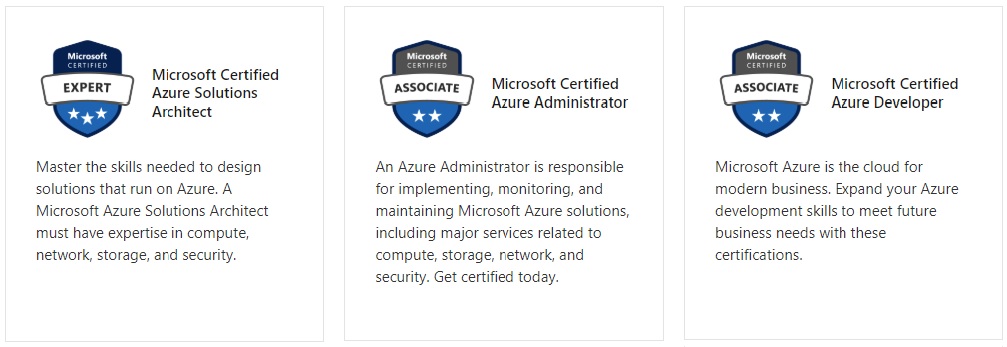
Microsoft Job Role-based Azure Certifications
Microsoft has aligned Azure certifications and training to job roles - focusing on Admin, Dev or Architect.
Each certification requires 2 exams and no certification has any prerequisite certification requirements.
Certification Camps has developed a comprehensive training / delivery format which focuses on learning beyond the core content accessible to any Microsoft training provider. Our program incorporates interactive demonstrations with explanations which go beyond the content of the book. Additional content, videos, labs & demonstrations are provided to expand on advanced topics - providing additional insight and perspective. Certification Camps training is not the typical book & PowerPoint presentation found at any local training center.
As a Microsoft Certified Partner with Gold Learning Competency - we adhere to the strict guidelines, standards and requirements to use Microsoft's exclusive curriculum. More over - our standards go beyond the "minimum requirements" set forth by Microsoft Learning.
We leverage our partnership benefits of courseware customization to build end to end technology training solutions. Students gain practical skills which can be implemented immediately.
At most training centers - learning starts on the first day of class and ends on the last day. Our boot camp training program is designed to offer resources before, during and after.
CERTIFICATION CAMPS FACILITIES
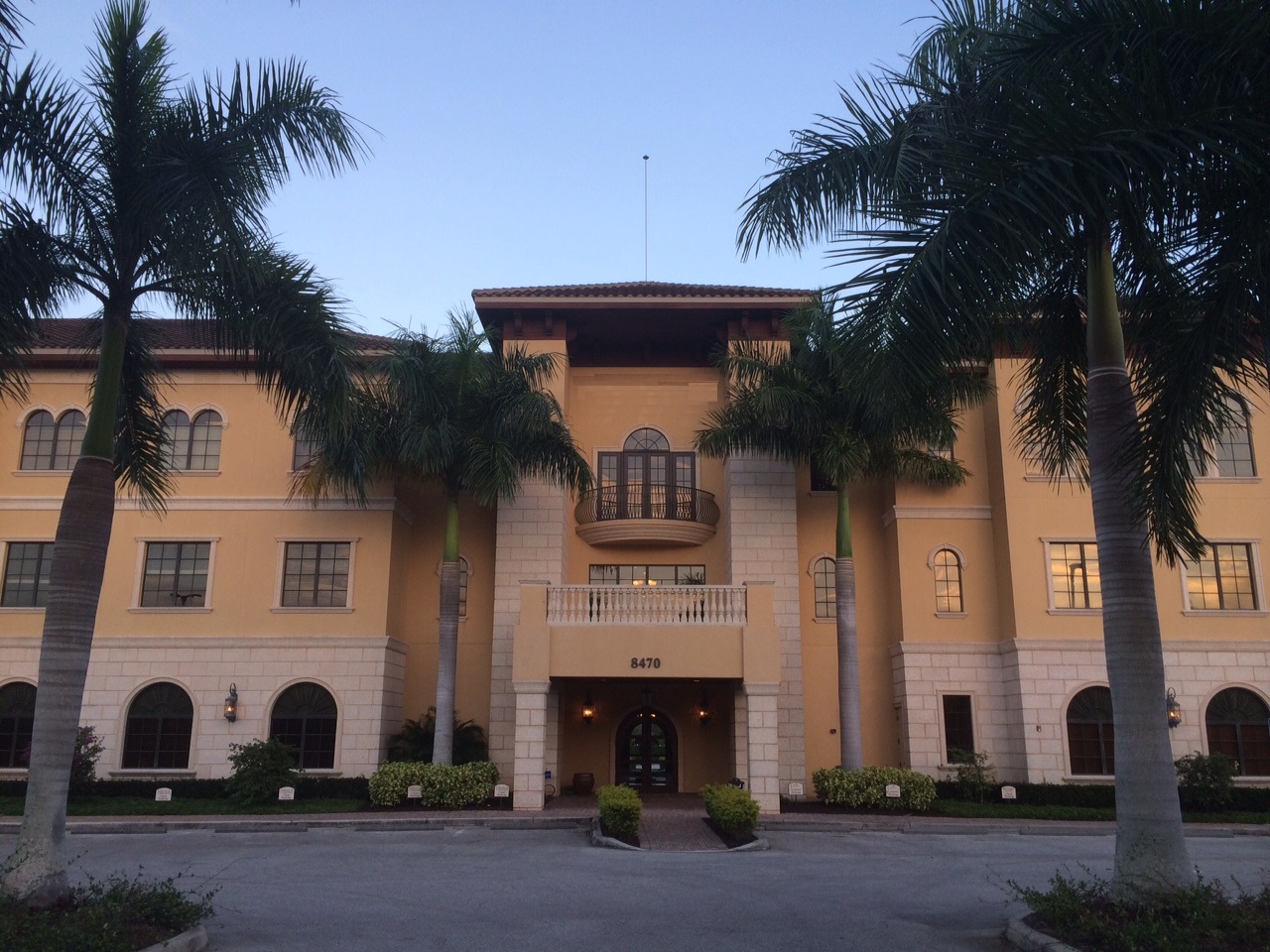 CAMPUS - Certification Camps built a state of the art training center with spacious classrooms, no sound transference between rooms, new desk, Herman Miller Aeron chairs & great common areas.
CLASSROOM SERVERS - Students work on a dedicated Dell 8700 / 8900 with an Intel i7 (6th generation), 32GB memory with 512GB SSD drives.
CAMPUS INTERNET - The campus is connected with a 300Mbs Verizon Fios Business Connection which provides complete internet (including VPN) access for students.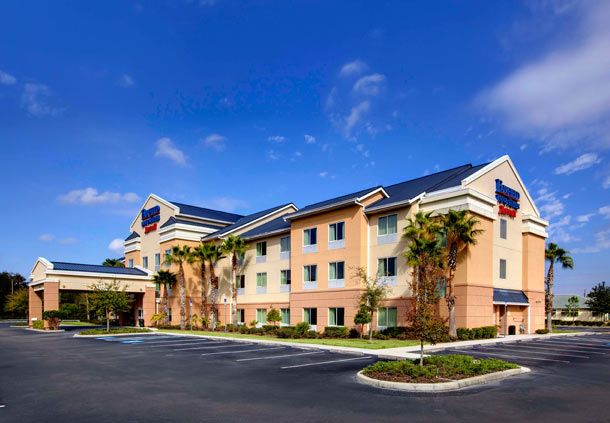
COMMON AREA - Unlike any training facility ever - break room with Mame Arcade, high end "kitchen" with snacks, drinks (Starbucks Coffee, 100% juices, sodas, etc) and breathtaking terrace.
LODGING - We use the Marriott Fairfield Inn & Suites Lakewood Ranch. This "upgraded" hotel offers extremely comfortable beds, great breakfast and very fast (Verizon) internet access.
NEAR BY AMENITIES - Many shops, restaurants and grocery options are available within walking distance. Additionally - the hotel provided scheduled shuttle services. Restaurants like Cheesecake Factory, California Pizza Kitchen, Panera Bread, Bone Fish Grill, Ruby Tuesday's, Five Guys, Chipotle, Quiznos, Chili's and over 20 additional choices in the immediate area. All of these options are offered in a pedestrian walking village.


